 Англійська
 Іспанська
 Російська
 Українська
 Корейська
 Китайська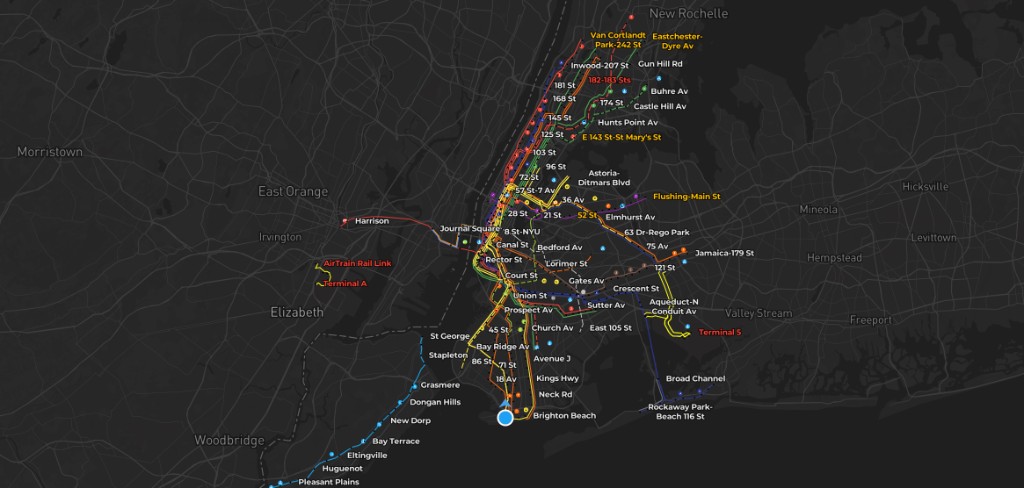
If you have waited on an NYC platform weighing express versus local, you already know the problem: schedules and maps are easy to find, but the live picture is scattered across apps, signs, and guesswork. AP Transit is built around one question: what is moving right now, and how does that change the best move for your trip?
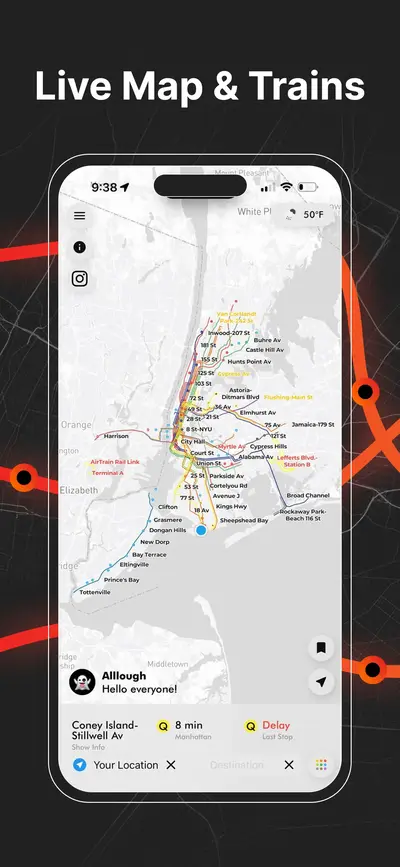
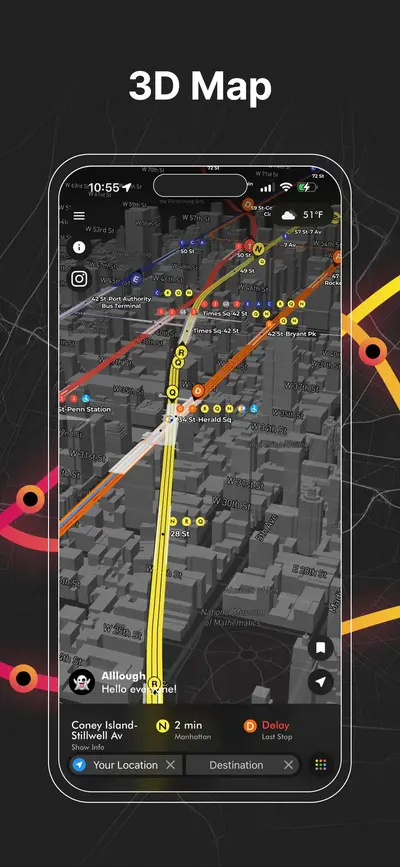
- Live map: train movement and context in a 3D NYC subway view.
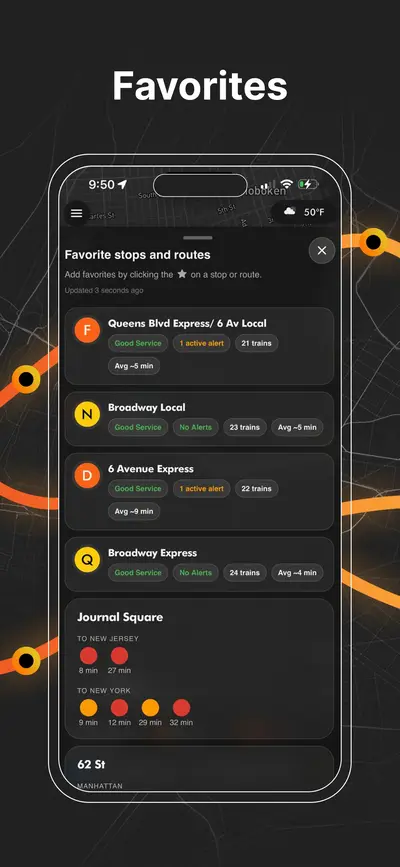
- MTA-style timing: arrivals driven from GTFS-realtime feeds (same family of data many MTA tools use).
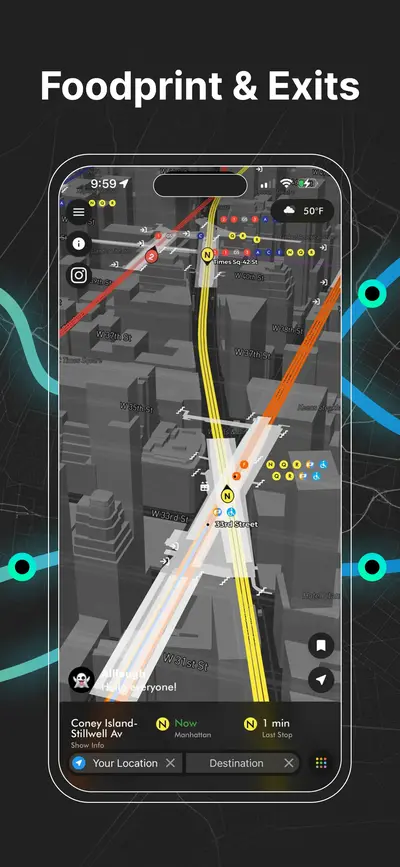
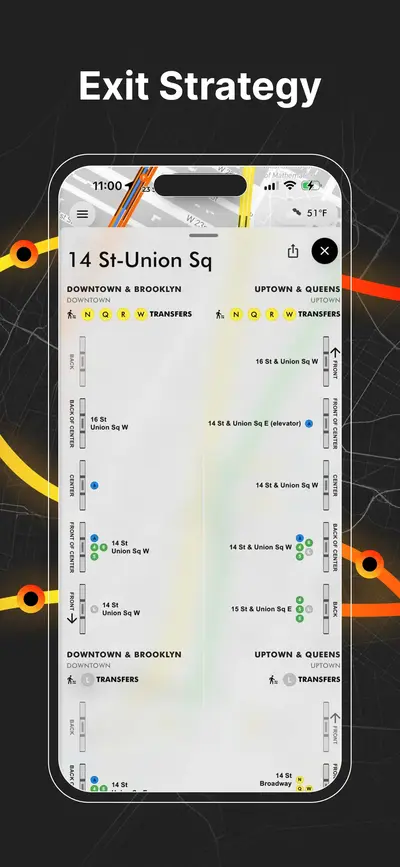
- Station depth: transfers and exits so you waste less time underground and on the wrong sidewalk.
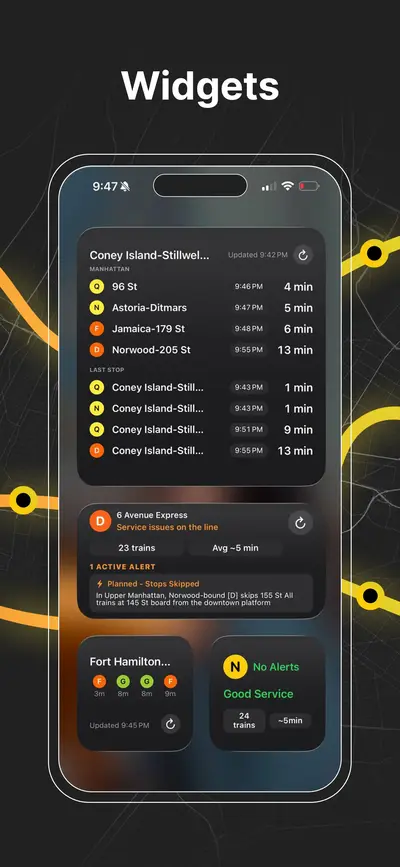
- Widgets: glanceable train times from the home screen.
AP Transit treats the NYC subway as a dynamic system: not only subway routes in New York, but spacing, delays, and what is approaching your station. That is the difference between memorizing a new york subway map and using a nyc train subway map that reflects the next few minutes.
What is AP Transit?
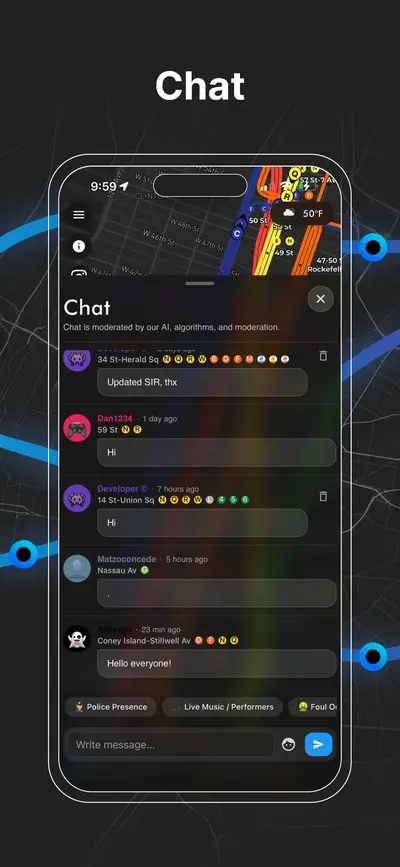
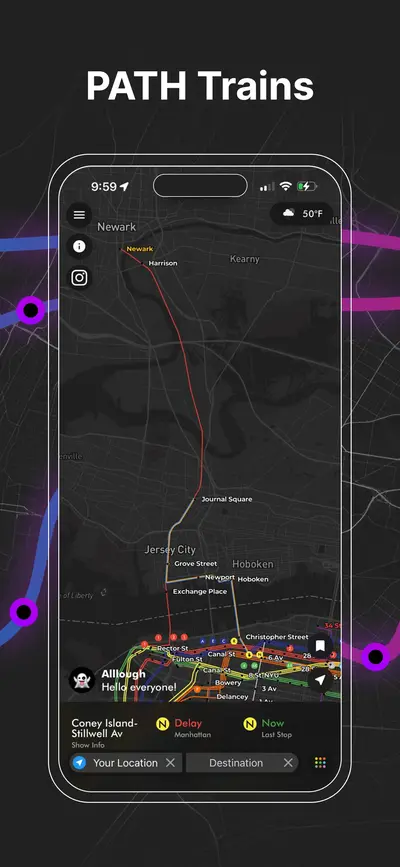
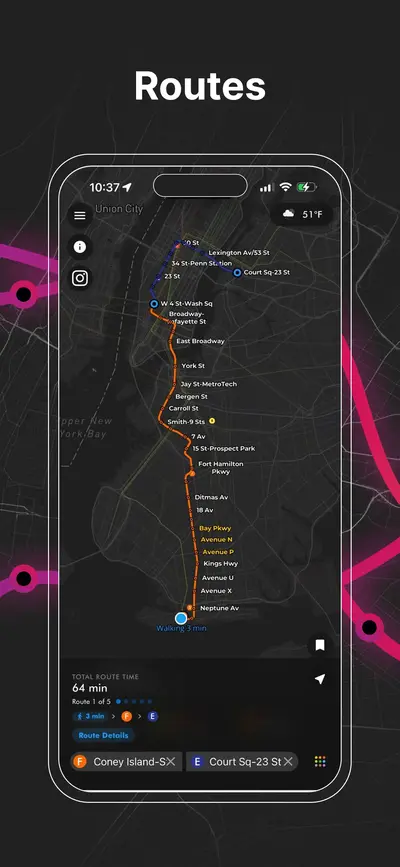
AP Transit is a real-time nyc subway map experience for iOS and Android. The app combines a navigable subway map with live train positions, arrival-oriented views, transfer clarity, and exit context so you can answer practical questions quickly: Which train is actually next? Is the platform flow weird right now? Which exit gets me closest to the street I need?
Why a real-time map beats a static diagram
A printed or purely diagrammatic mta subway map is excellent for learning lines and terminals. It does not tell you whether the next 6 is two minutes away or holding one station back, or whether your usual transfer is choked by a weekend reroute. When riders search for mta train time or mta train schedule time, they usually want now, not a generic timetable.
| Static “official” style map | AP Transit (live-first) |
|---|---|
| Shows topology: lines, stations, maybe service bullets. | Adds movement, spacing, and arrival context on top of topology. |
| Does not show which platform is busiest right now. | Orients you to what is approaching and how transfers behave in practice. |
| Weak for “which exit after I get off?”. | Includes exit-focused station detail to cut backtracking. |
Features that matter on the platform
Real-time train movement
See how trains are spaced and moving so you can judge whether to wait, walk to another line, or trust a transfer window.
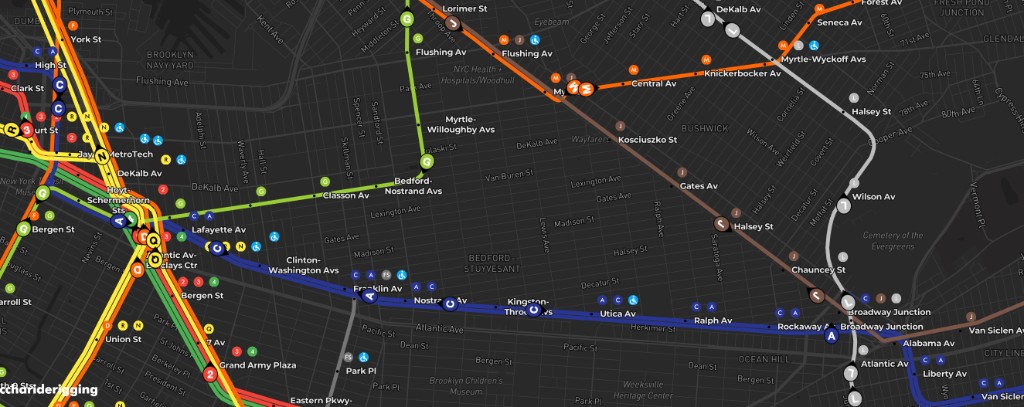
3D NYC subway map
Depth and angle make overlapping lines and big interchange stations easier to read than a flat spaghetti diagram alone.
Transfer map
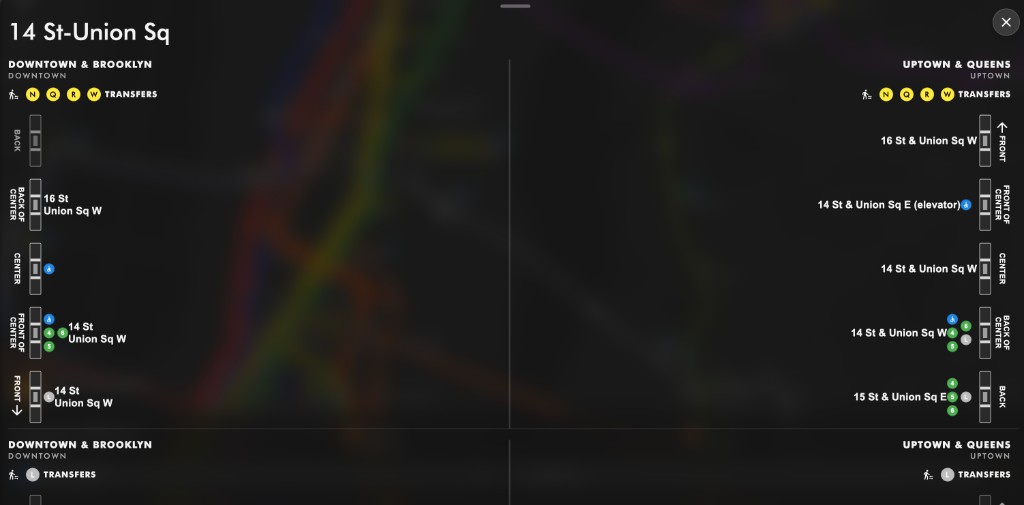
Complex stations are where trips lose time. A transfer-forward presentation highlights how lines connect when you are mid-journey.
Station exit map
Wrong-side exits in Manhattan can cost several minutes on foot. Exit guidance nudges you toward the street corner you actually need.
Home screen widgets
Widgets surface mta train time-style arrivals without unlocking the app. For daily riders, that friction reduction matters more than any single map animation.
Where train times come from
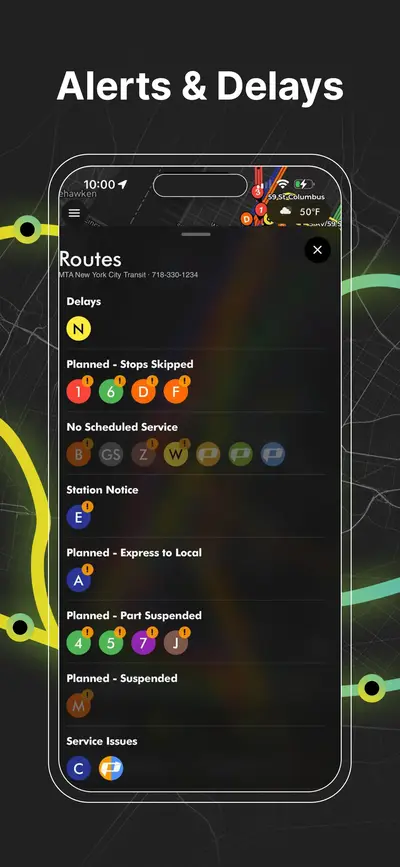
AP Transit consumes GTFS-realtime style feeds published by the MTA ecosystem. Quality is usually strong, but any real-time system can lag during incidents, communications loss, or unusual service patterns. When the system is messy, use AP Transit as a decision accelerant, then cross-check MTA official alerts for the legal source of truth on closures and reroutes.
A simple on-platform playbook
- Open to arrivals first if you only need the next train; zoom the map when the situation is ambiguous (reroute, gap in service).
- Pick the transfer before you enter the maze at hubs like Times Sq, Atlantic, Jay St, or Broadway–Lafayette.
- Choose your exit while you are still on the train if you know the cross street; avoid the post-arrival sidewalk shuffle.
- Pin widgets for your home and work lines so Monday morning needs zero hunting.
Who gets the most value
- Daily commuters optimizing transfers and platform choice.
- Tourists who can navigate a diagram but struggle with real interchange walking and exit-side geography.
- Anyone bouncing between “map app” and “train time app” and wanting one coherent visual.
Download
AP Transit is free to install on iOS and Android. Start from aptransit.co or your store listing, then add widgets for the lines you actually ride.
FAQ
Is AP Transit just a subway map?
It is a real-time nyc subway map product: live movement, timing, transfers, exits, and widgets. The goal is usefulness at decision time, not only a static diagram.
Does it show MTA train time?
Yes. Arrivals and movement are driven from real-time feed data so you can interpret mta train time in context instead of as a isolated number.
Is it useful if I only searched for a “new york subway map”?
Yes. Tourist trips often fail on transfers and exits, not on counting colored lines. Station-level guidance turns a generic new york subway map search into fewer surprises underground.